

MOST POPULAR
- Iran secretly bought Chinese satellite tech via UAE — then struck Abu Dhabi: Report
- ‘He belonged to the mountains’: Family decides against retrieving Hyderabad techie’s body from Everest 'death zone'
- Gujarat woman shot dead in US store; chilling CCTV footage emerges
- No Krishna Nagar in Lahore? Pakistan pauses heritage renaming plan after outrage by extremist elements
 Loading..
LATEST VIDEOS







EC orders FIR against Rahul Gandhi for TV interview on Gujarat poll eve
File that could solve Bose’s death mystery ‘closed for 100 years’
Somnath temple visit: Rahul Gandhi listed as 'non-Hindu'
Woman passenger, Air India duty manager slap each other at Delhi IGI airport
Saudi prince vows new Islamic alliance 'will wipe out terrorists from earth'
Over 200 worshippers killed at Egypt mosque in deadliest terror attack
PIC: Adira's birth announcement cradle filled with goodies!
Rumoured 'Dabangg 3' actress leaks topless pics for publicity?
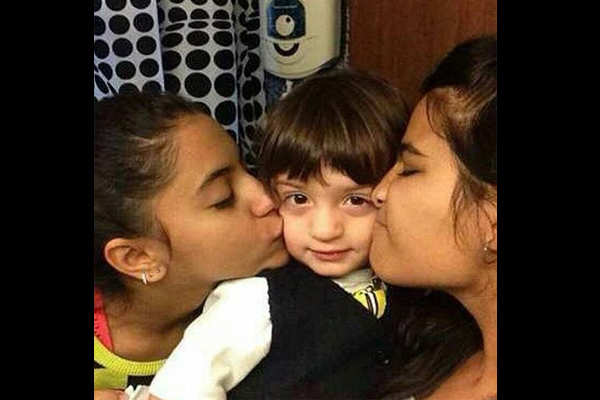
PIC: AbRam kissed by two girls!




The Times Of India |
Apr 23, 2026 , 12:14:40 IST
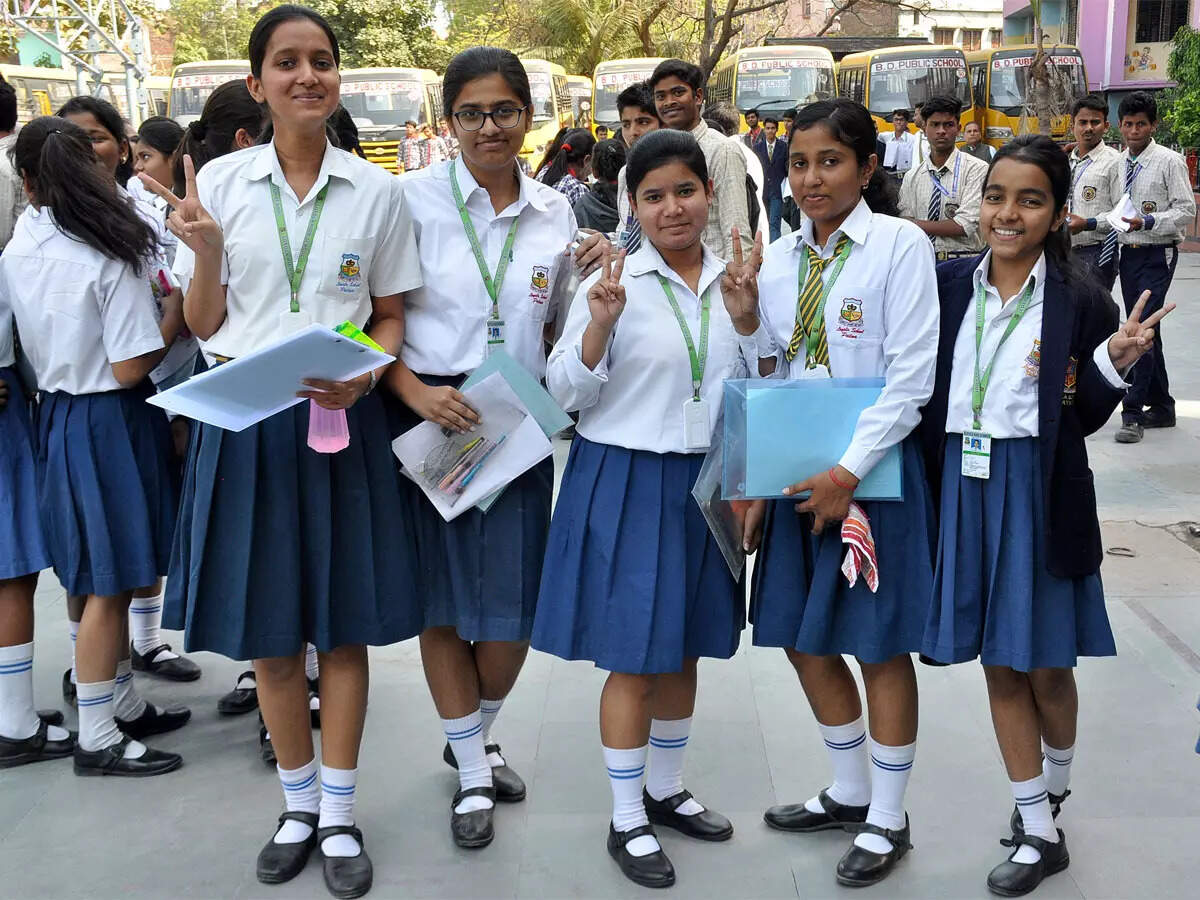
CBSE Class 12 Result 2026 Live Updates: Results expected soon at cbse.gov.in; check past trends, how to download marksheets from DigiLocker, UMANG here
CBSE Class 12 Result 2026 Live Updates: The Central Board of Secondary Education will release the CBSE Class 12 Result 2026 through multiple platforms, making it easier for students to access their scores. The results will be available online via official websites, along with several digital and offline methods to ensure wider accessibility.Students should keep in mind that the result published online will be provisional in nature. The official mark sheets and certificates will be distributed later through their respective schools.Steps to check result onlineTo check the CBSE Class 12 Result 2026 online, students must visit the official websites such as results.cbse.nic.in or cbse.gov.in. On reaching the result login page, they will need to enter essential credentials including their roll number and school number.After submitting these details, the result will appear on the screen. Students are advised to download and take a printout of the scorecard for immediate use until the official documents are issued.Checking result through SMS and IVRSIn addition to the online method, CBSE has provided the option to check results via SMS. Students can send a message in the format: CBSE12 (roll number) (date of birth) (school number) (centre number) to 7738299899. The date of birth must be entered in DDMMYYYY format. Once the message is sent, subject-wise marks will be delivered to the registered mobile number.Students can also access their results through the Interactive Voice Response System (IVRS). To use this service, they need to dial 24300699 along with their area code. The call will be charged at a nominal rate of 30 paisa per minute for each roll number.Accessing marksheets via DigiLockerAnother convenient way to obtain results is through DigiLocker. Students need to log in using their credentials and ensure that their Aadhaar details are synced.After logging in, they can navigate to the ‘Pull Partner Documents’ section and select the relevant board and marksheet option. The digital marksheet will then be available for download, displaying important information such as subject-wise marks, total score, grades, and overall result status.
Live Updates
FILTER UPDATES
All Comments ()+^ Back to Top
Refrain from posting comments that are obscene, defamatory or inflammatory, and do not indulge in personal attacks, name calling or inciting hatred against any community. Help us delete comments that do not follow these guidelines by marking them offensive. Let's work together to keep the conversation civil.
HIDE