

MOST POPULAR
- Delhi horror: Dalit woman 'raped by several men' and confined in Jamia Nagar house, forced to convert
- Cow slaughter not part of Eid or Islam: Calcutta HC
- Delhi dowry death case: Nail scratches, ruptured eardrum, final SOS call — family alleges years of torture
- "My biggest mistake was not my diet but...": Why most women can't lose weight despite doing everything right
 Loading..
LATEST VIDEOS




EC orders FIR against Rahul Gandhi for TV interview on Gujarat poll eve
File that could solve Bose’s death mystery ‘closed for 100 years’
Somnath temple visit: Rahul Gandhi listed as 'non-Hindu'
Woman passenger, Air India duty manager slap each other at Delhi IGI airport
Saudi prince vows new Islamic alliance 'will wipe out terrorists from earth'
Over 200 worshippers killed at Egypt mosque in deadliest terror attack
PIC: Adira's birth announcement cradle filled with goodies!
Rumoured 'Dabangg 3' actress leaks topless pics for publicity?
PIC: AbRam kissed by two girls!




The Times Of India |
Apr 30, 2026 , 13:44:53 IST
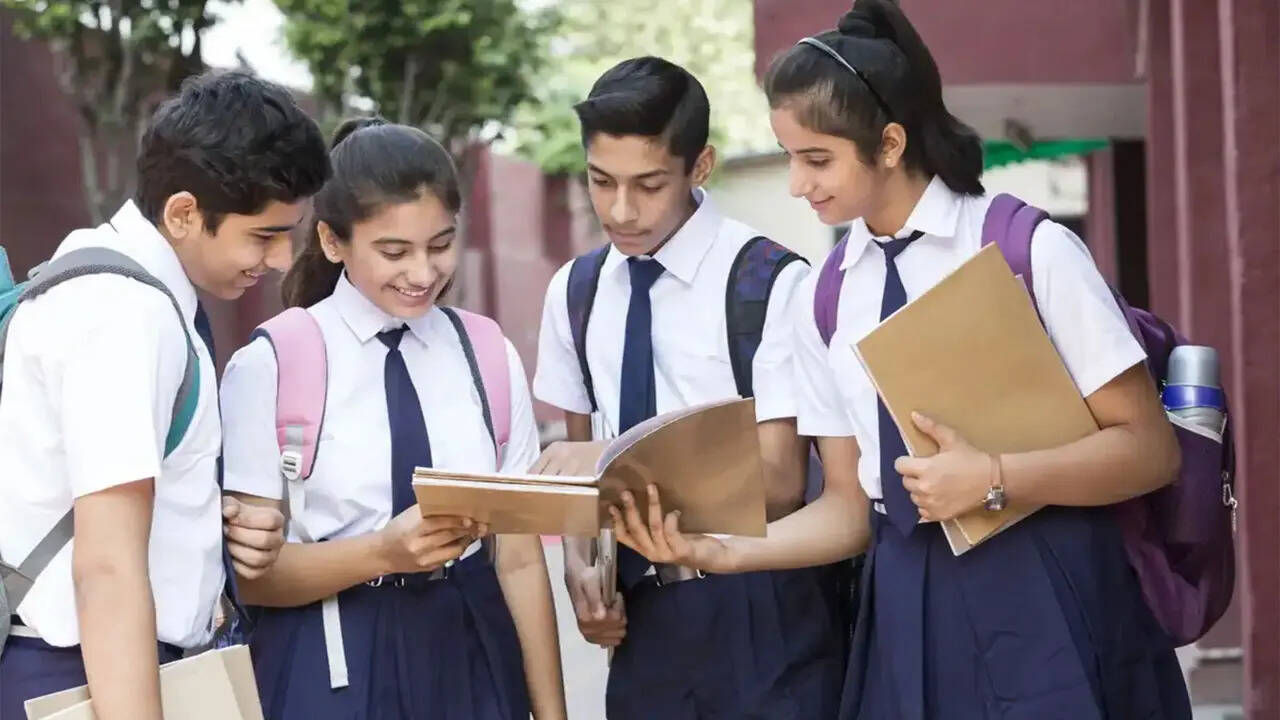
CBSE Class 12 Result 2026 Highlights: Results not to be released this week, evaluation still in progress; check latest updates, steps to download scorecard
How to check CBSE Class 12 Result 2026 marksheets on DigiLocker, UMANG and websites: Students awaiting the CBSE Class 12 Result 2026 are expected to receive access to scores through multiple platforms once the board announces the outcome. Alongside official websites, the board has continued with digital channels such as DigiLocker and UMANG for marksheet access.The Class 12 examinations concluded on April 10, and candidates are being advised to keep their roll number, school number and admit card credentials ready before the result link is activated. Provisional marksheets are expected to be available immediately after declaration through online and app-based services.Steps to check marksheet on DigiLockerStudents can access their digital marksheet by opening the DigiLocker application or visiting digilocker.gov.in. After signing in with Aadhaar-linked details or a registered mobile number, they need to go to the Education section on the dashboard.Candidates should then select Central Board of Secondary Education and choose the Class XII Marksheet option. After entering the roll number and other required details, they can submit the information and download the marksheet for record purposes.DigiLocker has been used by CBSE to provide digital academic documents, including marksheets and certificates, through verified access.How to check results on UMANG appStudents using the UMANG application need to log in to the platform and search for CBSE services. After selecting the Class 12 result section, they will be required to enter examination credentials and submit the details to view the result.The provisional marksheet can then be downloaded and saved. The application has been listed among the approved result access platforms alongside official websites.Steps to check scores on official websitesCandidates may also use cbse.gov.in, results.cbse.nic.in or cbseresults.nic.in to check results. On opening the result portal, students need to click on the Class 12 result link and fill in the required credentials, including roll number, school number and admit card ID.After submission, the marksheet will be displayed for download. Students may retain a copy until original documents are issued through schools.Options available after result declarationFollowing the announcement, students dissatisfied with awarded marks may apply for verification, re-evaluation and photocopies of answer sheets under the board’s notified process. Candidates unable to pass in one or more subjects may appear in compartment examinations.With results expected soon, CBSE has advised students to rely on official sources for updates and use designated platforms for accessing marksheets when the result is released.
Live Updates
FILTER UPDATES
All Comments ()+^ Back to Top
Refrain from posting comments that are obscene, defamatory or inflammatory, and do not indulge in personal attacks, name calling or inciting hatred against any community. Help us delete comments that do not follow these guidelines by marking them offensive. Let's work together to keep the conversation civil.
HIDE